If you have ever browsed Reddit discussions about IPTV in the UK, you have probably come across one app more frequently than most others: TiviMate. It has become a popular choice for Firestick users because of its TV-friendly interface, built-in Electronic Programme Guide (EPG), and reliable streaming performance.
In this guide, you will learn what TiviMate is, why so many UK viewers choose it for their living-room entertainment setup, how to install it on Firestick and Android TV, and which characteristics enable it to provide a contemporary cable-TV-like experience. We will also compare TiviMate with other well-known IPTV players and explain the installation process step by step, making it easy to follow.
What Is TiviMate?
TiviMate is an IPTV player application developed for large-screen devices, including Amazon Firestick, Android TV boxes, and Google TV. TV channels are neither supplied nor sold by it. Instead, you supply your own IPTV subscription through an M3U URL or Xtream Codes login, and TiviMate manages the viewing experience, including channel organisation, playback, the on-screen programme guide, recordings, and parental controls.
One of the main differences between TiviMate and many general-purpose IPTV players is its design. The application is built specifically for remote-control navigation rather than touchscreen use. Its large channel rows, clear text, and responsive menus make browsing straightforward, even when you are sitting across the living room.
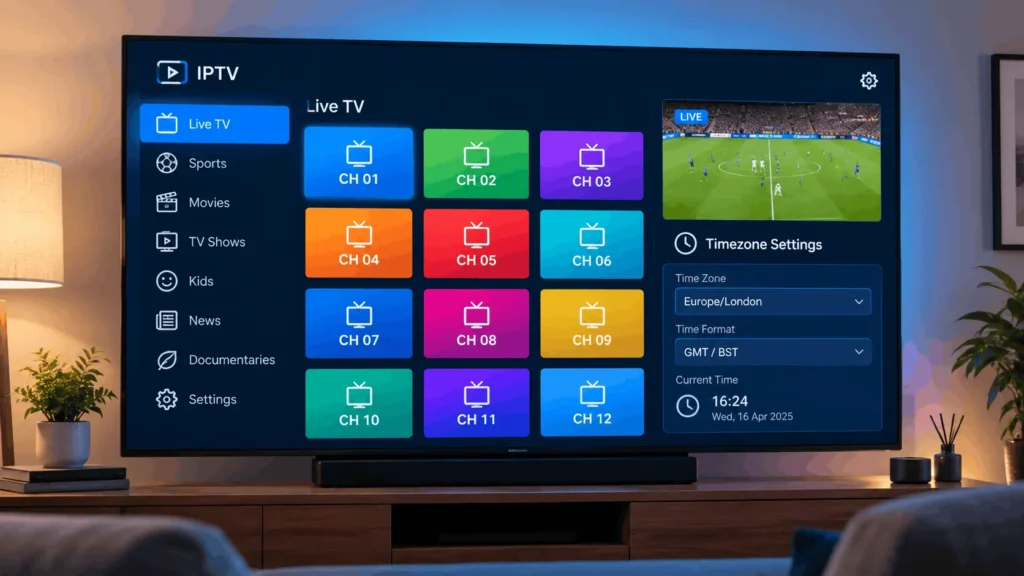
The TiviMate-style channel grid on a Smart TV, displaying categories on the left and a live preview on the right.
Quick note: TiviMate has a free version that provides basic functionality, while the paid Premium upgrade unlocks additional features such as recordings, multiple playlists, catch-up TV, and more. Many regular viewers choose to upgrade to Premium after trying the basic version.
Why TiviMate Is the Best IPTV Player for UK Users
There are plenty of IPTV applications available for streaming devices, including the Amazon Firestick. However, TiviMate has become a favourite in many UK households for five main reasons.
1. An Interface Designed for Television
Many IPTV applications begin as mobile apps and are later adapted for television screens. TiviMate takes the opposite approach, focusing on the big-screen viewing experience from the beginning. Users of all ages, from teenagers to grandparents, can easily navigate because to its wide tiles, well-spaced menus, and remote-friendly controls.
2. A Built-In Electronic Programme Guide
TiviMate includes an Electronic Programme Guide that displays what is currently showing on different channels and what is scheduled over the coming days. The app can process the EPG supplied by your IPTV provider, allowing you to browse programme listings and move directly from a programme entry to its corresponding stream.
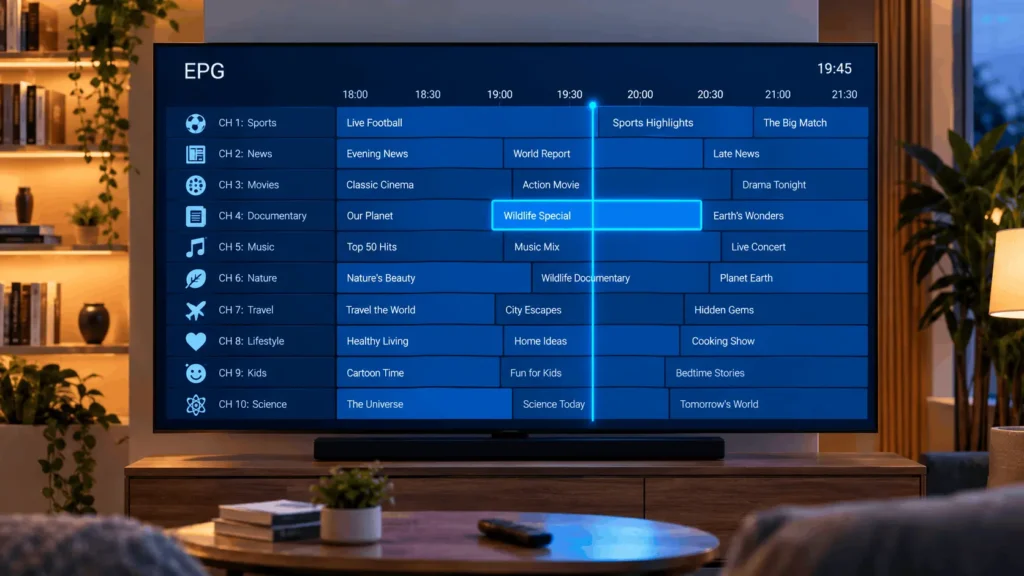
The built-in EPG displays the daily programme schedule across the channels included in your playlist.
3. Recording, Catch-Up and Rewind Features
Additional watching choices provided by TiviMate Premium include live-channel rewind, planned recordings for forthcoming shows, and access to catch-up programming when the provider supports it. These features can make the app a useful alternative for households looking for some of the functions traditionally associated with a cable TV box.
4. Multiple Playlists and Channel Groups
For viewers using more than one IPTV service, TiviMate can load multiple playlists and provide a convenient way to switch between them. This can also be useful if you want to combine a paid M3U playlist with a free FAST playlist.
The application also allows you to organise channels into custom groups, such as “Kids” or “Match Night”. You can rearrange channel positions so your most frequently watched options appear near the top, making everyday browsing more convenient.
5. A Responsive Playback Experience
TiviMate uses a playback system designed to provide smooth streaming and responsive navigation. Its performance can be good on a stable internet connection, although the actual results depend on factors such as your device, network conditions, stream quality, and IPTV provider.
With a suitable connection and a reliable source, viewers can experience responsive channel switching and smooth HD or 4K playback. This is an important consideration for UK users looking for a fast and convenient IPTV experience.
TiviMate on Firestick — The Most Popular UK Setup
The Amazon Firestick is a common choice for TiviMate users in the UK. Its compact design, relatively affordable price, and straightforward HDMI connection make it a convenient way to add streaming applications to a compatible television.
When paired with TiviMate and a compatible IPTV subscription, a Firestick can provide access to the channels and content included in your playlist without requiring a traditional cable connection.
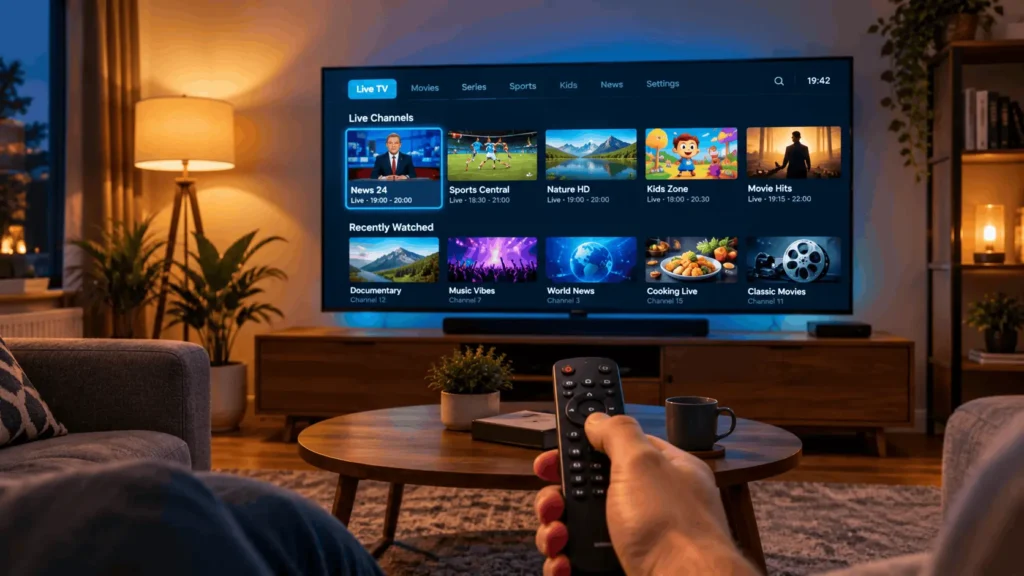
A Firestick remote controlling a TiviMate-style live TV interface in a typical UK living room.
The Fire TV Stick 4K Max is a suitable option for users who want to watch compatible 4K streams and benefit from capable hardware. It can be a practical choice for handling larger playlists and demanding streaming tasks. Older models, including the Fire TV Stick Lite, can also run TiviMate for standard HD viewing, depending on the app version and overall device performance.
How to Install TiviMate Step by Step
Installing TiviMate is a straightforward process and generally takes around five minutes on a Firestick. The steps are broadly similar on compatible Android TV and Google TV devices.
- Open the Amazon Appstore: From your Firestick home screen, navigate to the Amazon Appstore.
- Search for TiviMate: Select the magnifying glass icon and search for “TiviMate IPTV Player”. Verify that you have chosen the desired application.
- Download and install the app: Select Get or Download and wait for the installation to complete. This usually takes less than a minute, depending on your connection and device.
- Start TiviMate: by opening the program and choosing the “Add Playlist” option.
- Select the method of connection: Choose the Xtream Codes login option and enter the username, password, and server URL provided by your IPTV provider, or enter the URL of your M3U playlist.
- Allow the playlist to load: TiviMate will retrieve the available channel information. During the first setup, downloading and processing the EPG may take around 30–60 seconds on a slower connection.
- Start watching: Use the directional buttons on your remote to navigate through channel categories and select a channel to begin playback.
If you prefer a different interface or want to try another application that supports Xtream Codes credentials, IPTV Smarters Pro is a commonly used alternative that is available for compatible devices.
TiviMate vs Other IPTV Players
If you are deciding which IPTV player to use, comparing the available features can help you choose an option that suits your device and viewing habits. Here is a general comparison of TiviMate, IPTV Smarters Pro, and a generic IPTV player.
Comparison of TiviMate and Other Popular IPTV Players
| Feature | TiviMate | Smarters Pro | Generic Player |
|---|---|---|---|
| TV-first interface | Excellent | Good | Average |
| Built-in EPG | Yes, with extensive features | Yes, basic features | Limited |
| Recordings | Premium only | Limited | Rare |
| Catch-up TV | Available when supported | Partial support | Usually unavailable |
| Multiple playlists | Premium feature | Yes | Sometimes |
| Best suited for | Firestick and Android TV | Multiple device types | Casual use |
The exact features available can vary according to the app version, device, subscription tier, and IPTV provider. Catch-up TV and recording support may also depend on the capabilities of the supplied service.
Pricing and Getting Started With a UK Subscription
TiviMate itself is available to download for free. Users who want its additional features can purchase the Premium upgrade, which is offered by the developer for a separate fee. The cost of using TiviMate is different from the cost of an IPTV subscription, which supplies the channels and streams displayed in the app.
UKTVHUB.IT.COM offers subscription plans starting at £19.99 for three months, £29.99 for six months, £45 for a full year, and a one-time £350 lifetime option for households looking for a longer-term arrangement.
According to the stated offers, the plans include 4K streaming, a UK sports channel lineup, and a free 24-hour trial. You can review the available packages and current offers on the buy IPTV page.
Before choosing a subscription, check which channels and features are included, whether your device is supported, and whether the provider has the necessary rights to distribute the content in your location.
Frequently Asked Questions
Is TiviMate free?
TiviMate offers a free version that covers basic functions, including live TV playback and the Electronic Programme Guide. The Premium upgrade provides additional features such as recordings, multiple playlists, parental controls, and catch-up TV where supported.
Does TiviMate work on Firestick Lite?
Yes, TiviMate can run on a Fire TV Stick Lite. However, the device is intended for HD rather than 4K output. If you want to watch compatible 4K content, a Fire TV Stick 4K Max is a more suitable choice, particularly when using demanding playlists.
Can I use TiviMate without a subscription?
TiviMate is a media player and does not include its own collection of TV channels. To display content, you need to add a compatible M3U playlist or enter Xtream Codes credentials from a service that provides access to the streams you want to watch. Some playlists may be available for free.
Does TiviMate work on Samsung or LG Smart TVs?
TiviMate is not natively designed for Samsung and LG Smart TVs because these televisions use their own operating systems rather than Android TV. A common alternative is to connect a compatible Firestick or Android TV device to the television’s HDMI port and run TiviMate through that device.
Will TiviMate cause buffering on my connection?
Buffering does not necessarily mean the player itself is responsible. It can result from a slow internet connection, congested Wi-Fi, limited device resources, problems with the stream, or an unreliable IPTV provider.
A stable connection of around 30 Mbps may be sufficient for many HD and some 4K streams, depending on their bitrate and other network activity. However, no particular speed guarantees completely buffer-free playback in every situation.
How do I arrange my channels in a custom order?
In TiviMate Premium, open the channel-management options through the settings menu. Depending on the version, you can change channel order, hide channels you do not watch, and organise your playlist into custom groups such as “Sports” or “Kids”. This helps create a layout that matches your household’s viewing preferences.